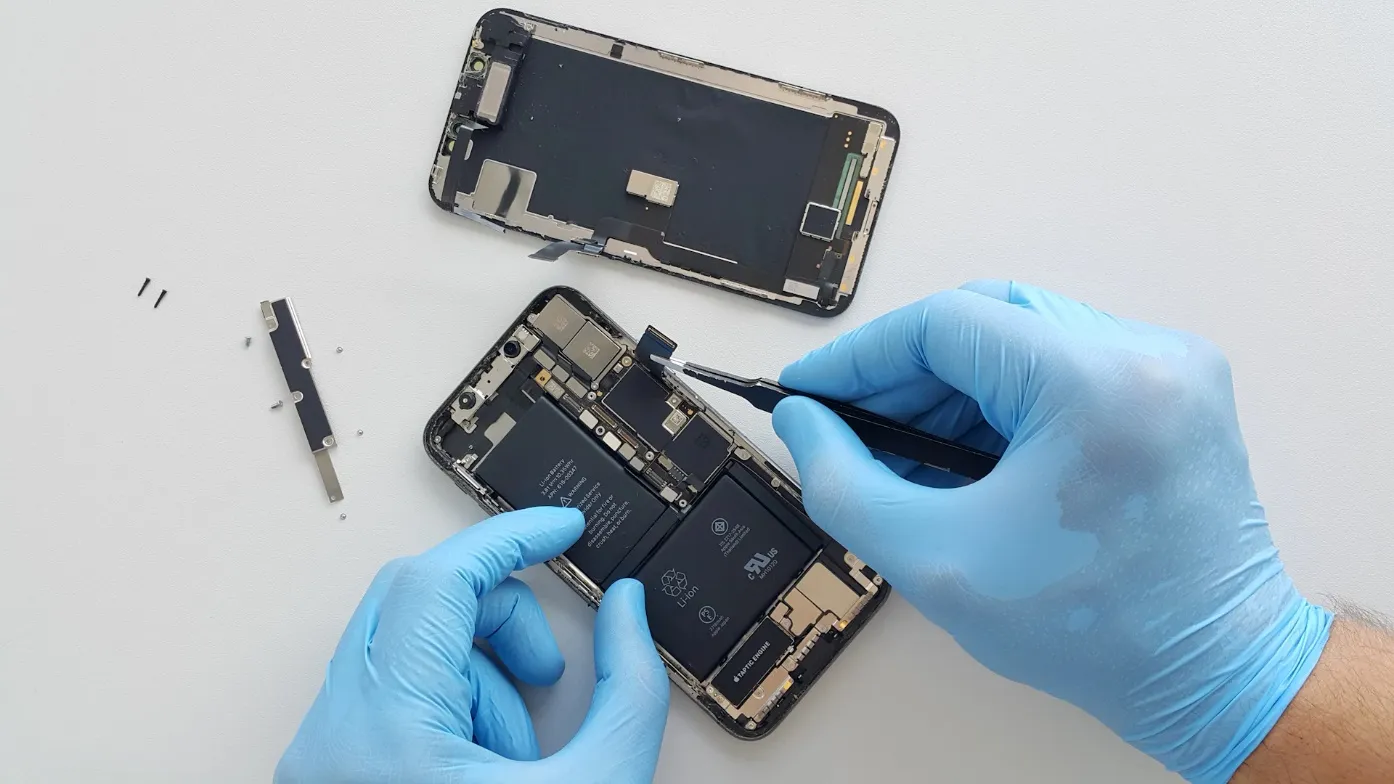

Smartphones are involved in nearly everything people do, from managing appointments to staying connected with family and handling work responsibilities. When a device begins behaving strangely, it is tempting to ignore the problem or search for a quick fix online. However, minor symptoms can sometimes indicate damage that requires professional attention. People searching for Phone repair Humble TX should understand the warning signs before deciding whether to repair or replace their devices. Recognizing problems early can help prevent further damage and make the repair process easier to manage.
Screen Damage Is More Than Cosmetic
A cracked smartphone screen may appear to be a minor inconvenience, especially when the display still responds to touch. However, broken glass can expose internal components to moisture, dust, and accidental pressure. Continued use may also cause uncomfortable cuts or further damage.
Display problems are not always limited to visible cracks. Flickering images, colored lines, dark spots, and areas that no longer respond to touch can indicate damage beneath the glass. A technician can inspect the display assembly and determine whether replacement is appropriate.
Battery Problems Deserve Closer Attention
Smartphone batteries gradually lose capacity through normal use. A device that once lasted an entire day may begin requiring several charging sessions. Unexpected shutdowns and unusually rapid battery percentage changes can also indicate battery deterioration.
Not every battery complaint requires immediate replacement. Background applications, outdated software, and excessive screen brightness may contribute to power consumption. However, swelling, unusual heat, or physical distortion should be treated as serious warning signs. A swollen battery should not be punctured, compressed, or charged.
Charging Issues May Have Several Causes
When a phone stops charging reliably, many owners assume the charging port needs replacement. Sometimes the problem comes from a damaged cable, incompatible adapter, or debris around the connection.
Testing with a known-good charging accessory can help identify simple problems. If charging remains inconsistent, professional diagnostics may be necessary. Technicians can examine the port, battery, and relevant internal components without relying on guesswork. Avoid inserting metal objects into charging ports because this can damage delicate contacts.
Warning Signs That Should Not Be Ignored
Some symptoms indicate that a device needs more than routine troubleshooting. Recognizing these signs can help owners decide when professional inspection is worthwhile.
- A screen that flickers or becomes unresponsive.
- A battery that drains unusually quickly or overheats.
- Charging that works only when the cable is held at an angle.
- Speakers or microphones that stop functioning properly.
- A device that repeatedly restarts without explanation.
- Camera problems that remain after basic software troubleshooting.
A single symptom does not always identify the underlying fault. Several different hardware or software problems can produce similar behavior.
Water Exposure Requires Immediate Care
Dropping a phone into water can create problems even when it initially appears to function normally. Moisture may enter internal spaces and contribute to corrosion over time.
If a device becomes wet, disconnect external power and switch it off when safe to do so. Avoid using a hair dryer or placing the phone in rice. These methods do not reliably remove trapped moisture and may introduce additional problems.
A professional inspection can help assess the extent of exposure. Recovery depends on which components were affected and how quickly appropriate precautions were taken.
Repair Costs Should Be Compared Carefully
A smartphone replacement may cost substantially more than repairing an isolated component. However, the decision depends on device age, repair cost, overall condition, and the availability of replacement parts.
Before approving work, request a clear diagnosis and written estimate. Ask whether the quoted amount includes labor, replacement parts, and any applicable warranty coverage. Understanding these details makes it easier to compare repair options without focusing only on the lowest advertised price.
Protecting Personal Information Before Service
Phones contain photographs, contact information, financial applications, and private messages. Whenever possible, create a current backup before submitting a device for repair.
Remove unnecessary accessories and ask the technician how diagnostic access will be handled. If a passcode is needed for testing, understand the repair shop’s privacy procedures before sharing sensitive information.
A reputable service provider should explain the intended work and avoid performing additional repairs without authorization.
Conclusion
Smartphone problems are easier to address when warning signs receive attention before they become severe. Cracked displays, unreliable charging, battery deterioration, and water exposure all deserve appropriate assessment. Professional diagnostics can help distinguish relatively simple issues from faults that require extensive repairs. Phone Repair Nerds provides smartphone repair and diagnostic services in Humble, Texas, including assistance with screens, batteries, and charging problems. By understanding their device’s symptoms and requesting clear repair information, owners can make more informed decisions about keeping their phones in working condition.