

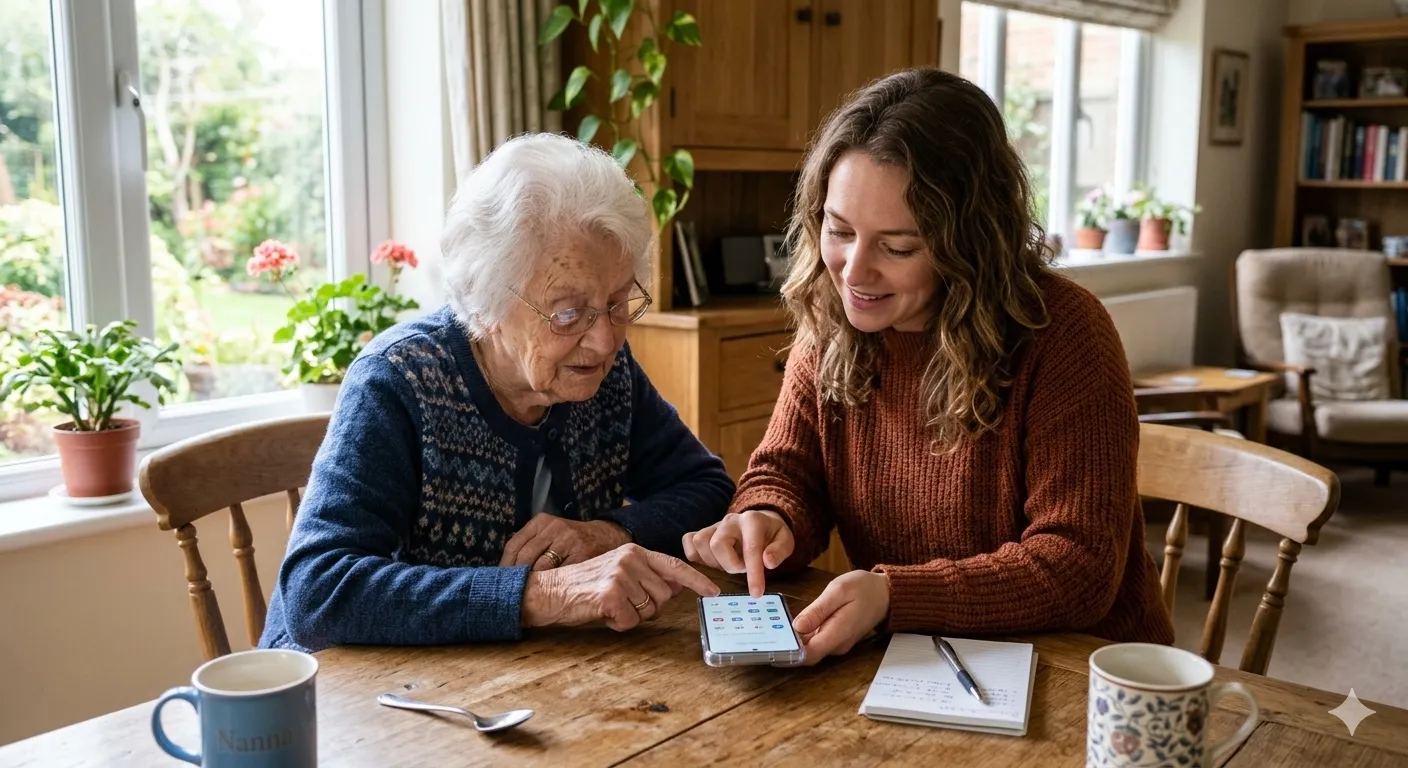
For an older relative, a phone links appointments, friends, transport updates, and family conversations. Yet managing that connection sometimes becomes harder than using the device itself. A prepaid mvno, which uses an established carrier’s network, may simplify wireless billing, but affordability is only one consideration. The better starting point is the person’s everyday confidence: can they answer important calls, find contacts, and understand when their service needs attention? A thoughtful setup makes ordinary moments easier while preserving familiar routines and personal independence.
Begin With Their Calling Habits
Spend a few days noticing how the phone is actually used. Some people mostly make voice calls, while others exchange photos, join video chats, or follow maps when visiting unfamiliar places. Ask which tasks feel comfortable and where help is needed, rather than assuming everyone wants the same features. A written list of essential contacts and common activities gives the household a practical reference. It also prevents well-intentioned relatives from purchasing a complicated plan that adds little value to familiar daily routines.
Make Indoor Reception a Priority
Coverage maps indicate where a network is expected to work, but they cannot describe every room inside a home. Thick walls, basement apartments, and surrounding terrain may affect reception even within a broadly covered neighborhood. Check the relevant address and any frequently visited locations, such as a community center or medical clinic. If Wi-Fi calling is important, confirm that both the device and plan support it. Reliable communication depends on conditions where calls actually happen, not just an impressive nationwide coverage claim.
Select Data Without Unnecessary Complexity
A large mobile data allowance is not automatically helpful. Someone who reads messages at home over Wi-Fi might use little cellular data, whereas regular video calls away from home can require more. Compare monthly high-speed allocations with any longer-duration pooled data option, and explain what happens after a high-speed limit is reached. Avoid describing every unlimited plan as unlimited full-speed internet. A short conversation about how data is used will usually reveal more than choosing a package from its headline number alone.
Simplify the Phone’s Everyday Controls
Even a well-matched wireless plan feels frustrating when the screen is difficult to navigate. Increase text size if needed, arrange frequently used contacts on the home screen, and remove distracting shortcuts that serve no purpose. Accessibility features such as larger buttons, hearing-device compatibility settings, or voice commands may help, depending on the handset. Keep changes collaborative: the person using the phone should decide what feels convenient. Familiar controls often matter more than adding unfamiliar applications or replacing a working device unnecessarily.
Activate Service Together at Home
Set aside an unhurried moment for activation, with account details and a stable internet connection nearby. First, confirm that the phone is unlocked and passes the network’s compatibility check. Depending on the device, activation may involve inserting a physical SIM or installing an eSIM profile. If an existing number is being transferred, keep the previous service active until the transfer is complete. Then test incoming and outgoing calls, text messages, and cellular data. A successful activation is one the user can verify personally.
Create a Manageable Renewal Routine
Prepaid billing removes recurring postpaid invoices, yet service still depends on paying for the next term before the current one expires. Record the activation date, plan duration, and renewal process in a place the account holder can access. If another family member helps with payments, agree on responsibilities and ask permission before changing account settings. Account passwords should remain secure rather than circulating through informal messages. A simple reminder, paired with an occasional balance check, can reduce surprises without requiring daily oversight.
Prepare for Unexpected Communication Problems
Phones lose signal, run out of charge, or become unfamiliar after software updates. Keep a charging cable in an obvious place and show how to access emergency contacts from the lock screen, where supported. Discuss an alternative way to reach someone if the usual line fails, such as a neighbor or trusted contact. Emergency calling capabilities vary by device and coverage conditions, so a mobile plan should never be the family’s only safety arrangement. Practice matters more than a complicated written procedure.
Conclusion
A comfortable mobile setup grows from small, practical decisions made with the person who will use it. Coverage around familiar places, clear controls, dependable contact access, and an understandable renewal schedule deserve as much attention as the advertised data allowance. InfiMobile offers prepaid wireless plans, compatibility checking, and physical SIM or eSIM activation for eligible phones. Families can use those resources to assess the fit, then arrange a brief trial of everyday calling tasks together before treating the setup as complete.
